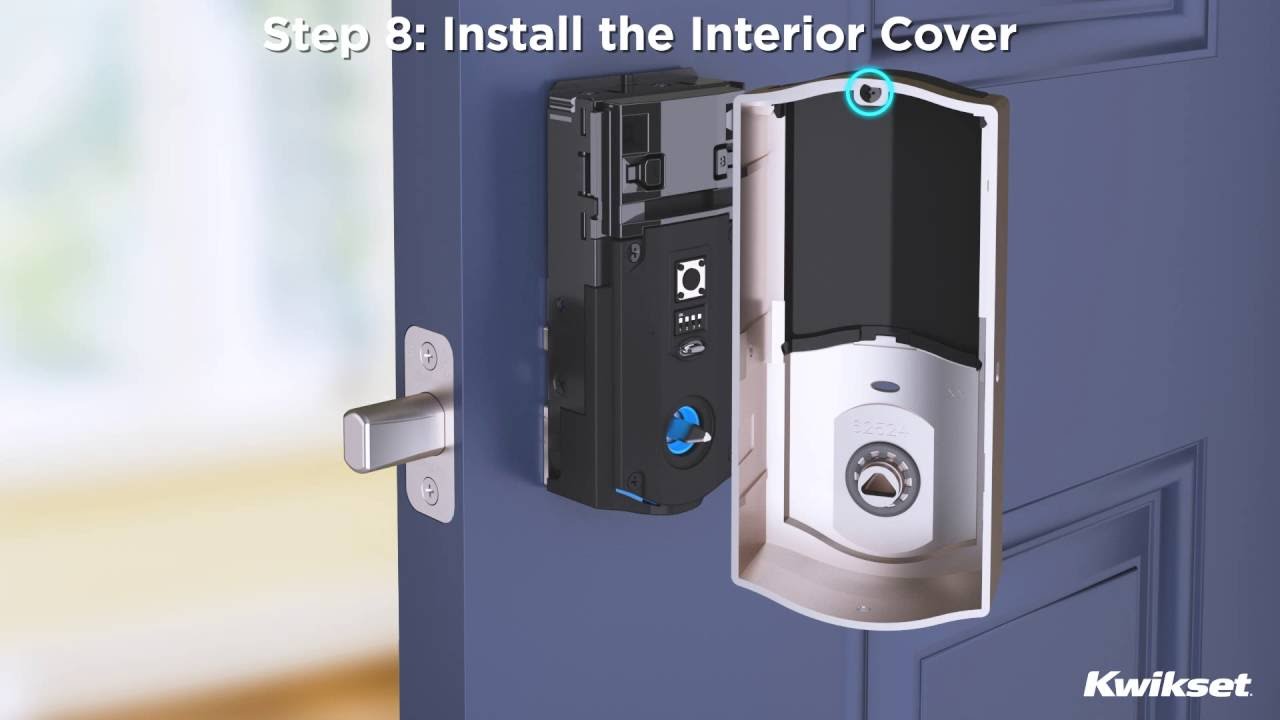
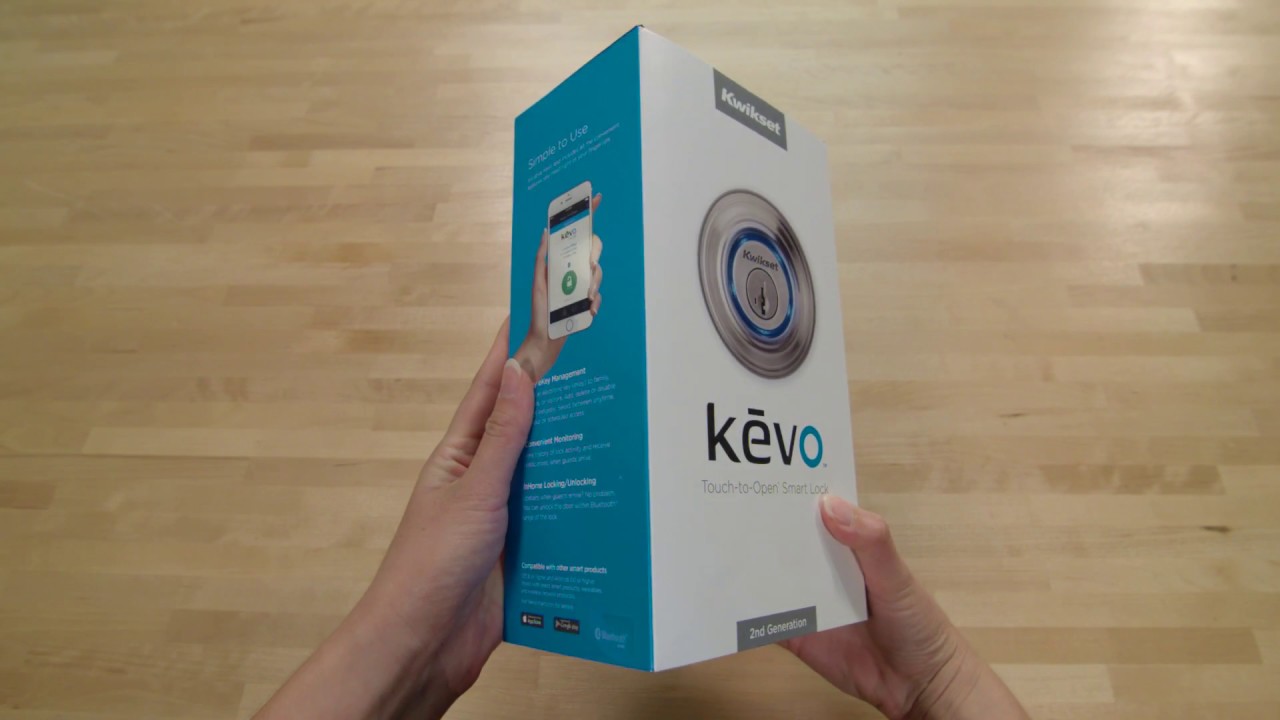
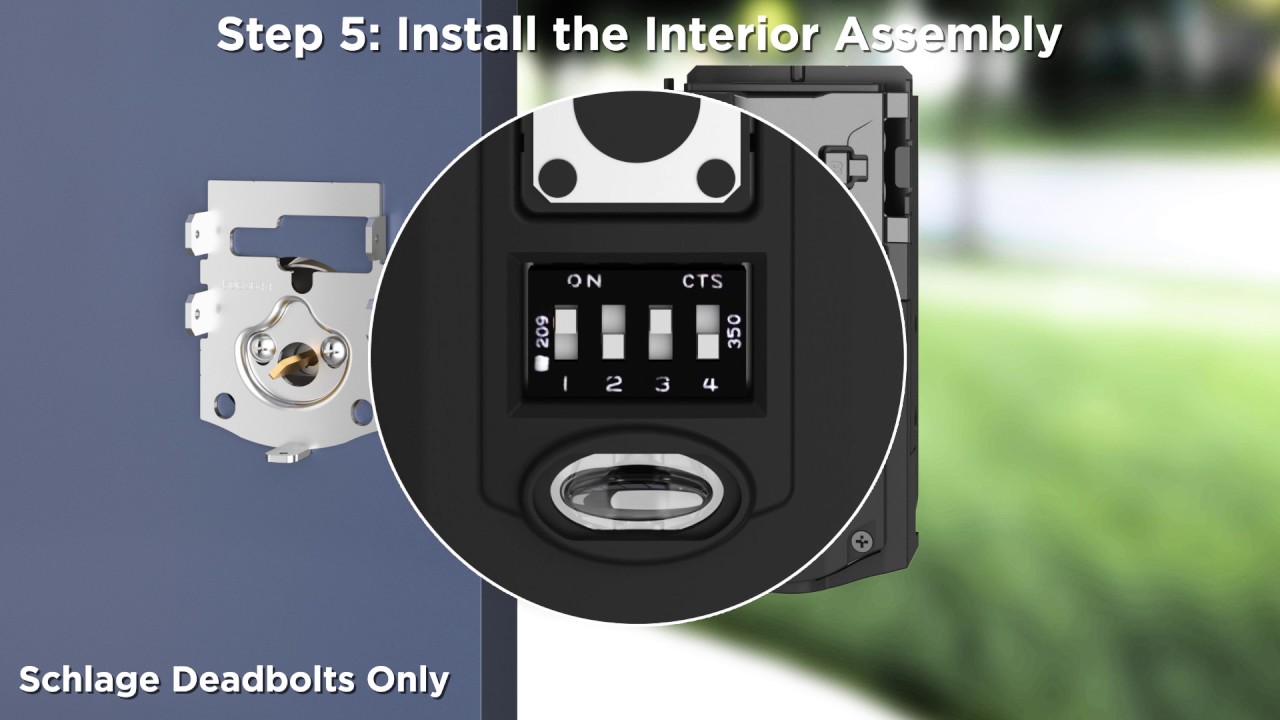
All of our products are packaged with installation instructions. If the package you have purchased does not have installation instructions, please contact our Customer Service department
email or call (800) 327-LOCK (5625). You will need to know the type of lock you have purchased such as a knob, lever, deadbolt, etc. and preferably the model number which can be located on the package. Having as much information about our product will help expedite the process to determine the type of lock you have purchased and the installation instructions needed to complete your door hardware project. Click
here for more information.
|
|
| SmartSeries Installation Help | | | | | | | | For help using and installing SmartSeries products be sure to visit our SmartScan interactive user manual and SmartKey instructional page full of information in both PDF and video format. Please select your product below: | | | | SMARTSCAN | SMARTKEY | | | | |
|
|
| New Construction/Remodel? | | | | | | | | There are two types of installations performed when it comes to door hardware. In new construction or remodeling, doors are purchased with or without pre-drilled holes. Adding locks to doors with pre-drilled holes is a very simple process for the average do-it-yourselfer. In the case of a door without pre-drilled holes, you will need to “prepare” the door for the door hardware installation. This includes drilling holes in both the edge and the face of the door. If you feel uncomfortable with this process, many door shops or home centers will drill the holes for you. Make sure you bring your door hardware with you so that the hardware fits comfortably in your new door. | | | |
|
|
| Door Thickness | | | | | | | | Kwikset locksets provide automatic adjustment to door thickness within the ranges specified for each product. Most standard doors have a thickness of 1-3/4”, however, it is necessary to measure this dimension to determine what your needs are for your door hardware. Please refer to the technical specifications of each of our products to make sure your door and the door hardware you choose is compatible. | | | |
|
|
| Backset Measurements | | | | | | | | The backset is the measurement between the edge of the door to the center of the hole drilled for the lock. Kwikset provides many types of latches, some of which are adjustable from 2-3/8” to 2-3/4”. To determine your backset, measure the distance from the center of the hole drilled in the face of the door, to the door edge. | | | |
|
|
| Latch Information | | | | | The latch is the mechanism that throws the bolt when the knob, lever, handleset or deadbolt is turned. There are four types:
| | | | | Plain Latch | | 1/2” beveled latch used primarily for interior doors (interior locking and non-locking functions). | | | | | | | | Deadlatch | | 1/2” beveled latch with a deadlocking bar used for keyed functions. The deadlocking bar prevents the latch from being forced back and deters credit card entry. | | | | | | | | Deadbolt | | 1” throw bolt that locks into position and cannot be forced back. Includes a free turning hardened steel roller to prevent saw through attempts. | | | | | | | | Adjustable Latch | | Most Kwikset products come standard with an adjustable latch, allowing the hardware to be used on doors prepared with either a 2-3/8” backset or a 2-3/4” backset. (The backset is the measurement from the edge of the door to the center of the pre-drilled hole.) | | | | |
For more information, please visit our
Replacing a Lock section.